top of page


Practice 1: Girl


Exercise1: 3 characters

Exercise 1: drawing animation characters

Exercise 2 : Drawing with the brush tool
Brush practice 2: Girl

Exercise 2: 1 Character
Exercise 3: Character walking with shadow
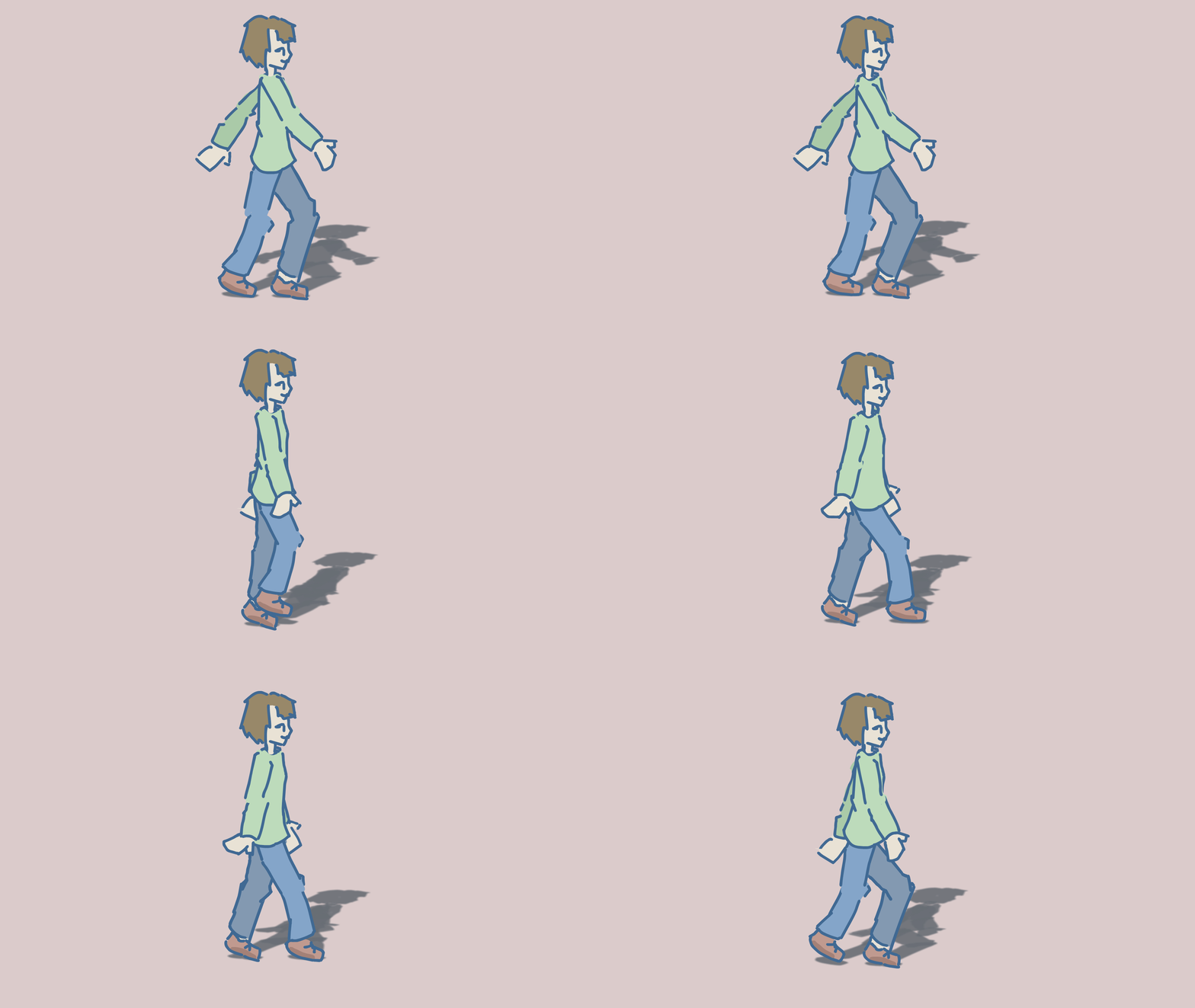


exercise 5 :bouncing ball
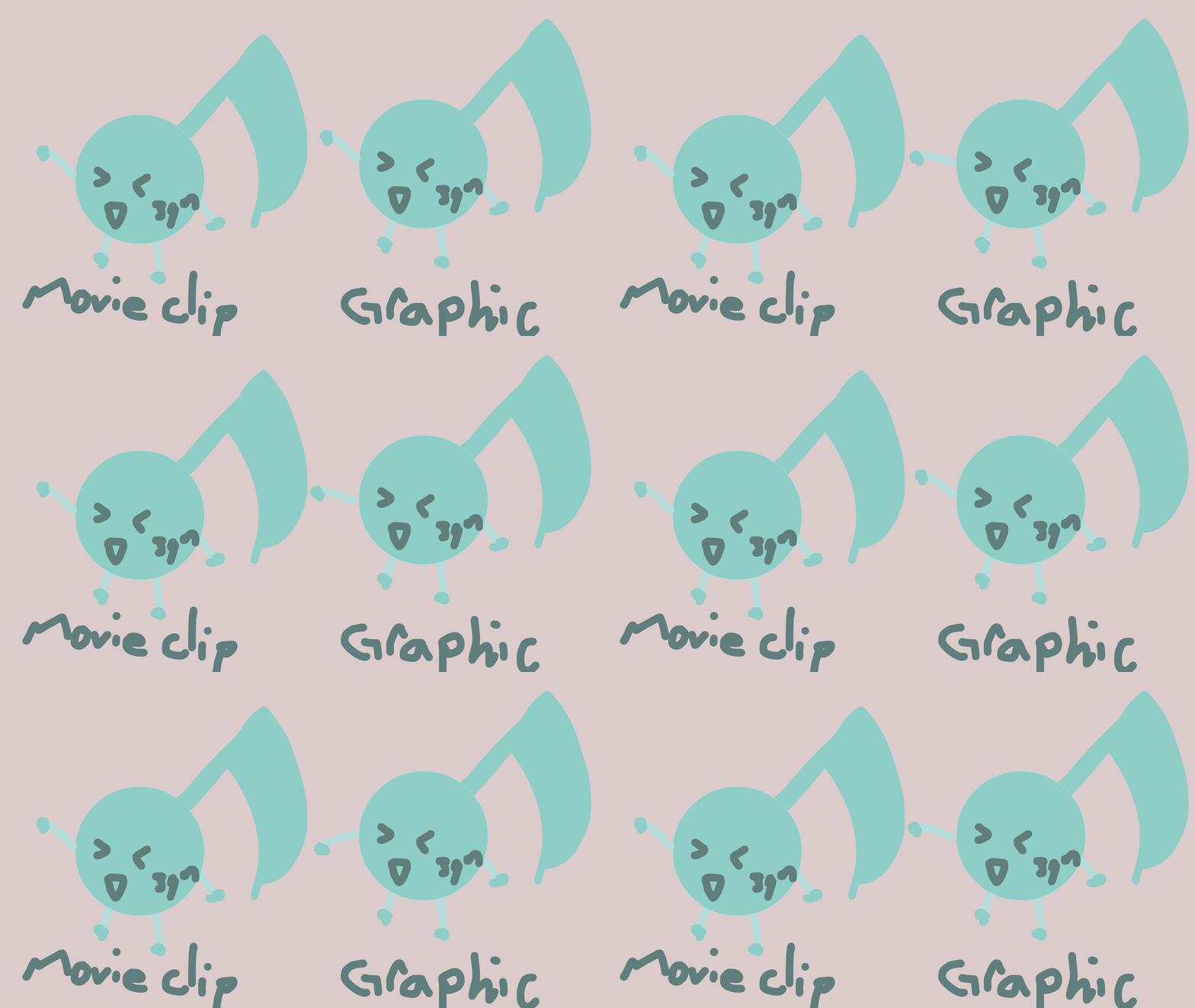
Exercise 4: types of symbols
Movie Clip
- you can't see the animation on the timeline
- you can use coding to move it
Grapic symbol
- you can see the animation on the timeline
Both of them could be useful if you want to merge layers and want to work on all frames at once (eg. moving animation from one place to another, adding filters for the whole animation)
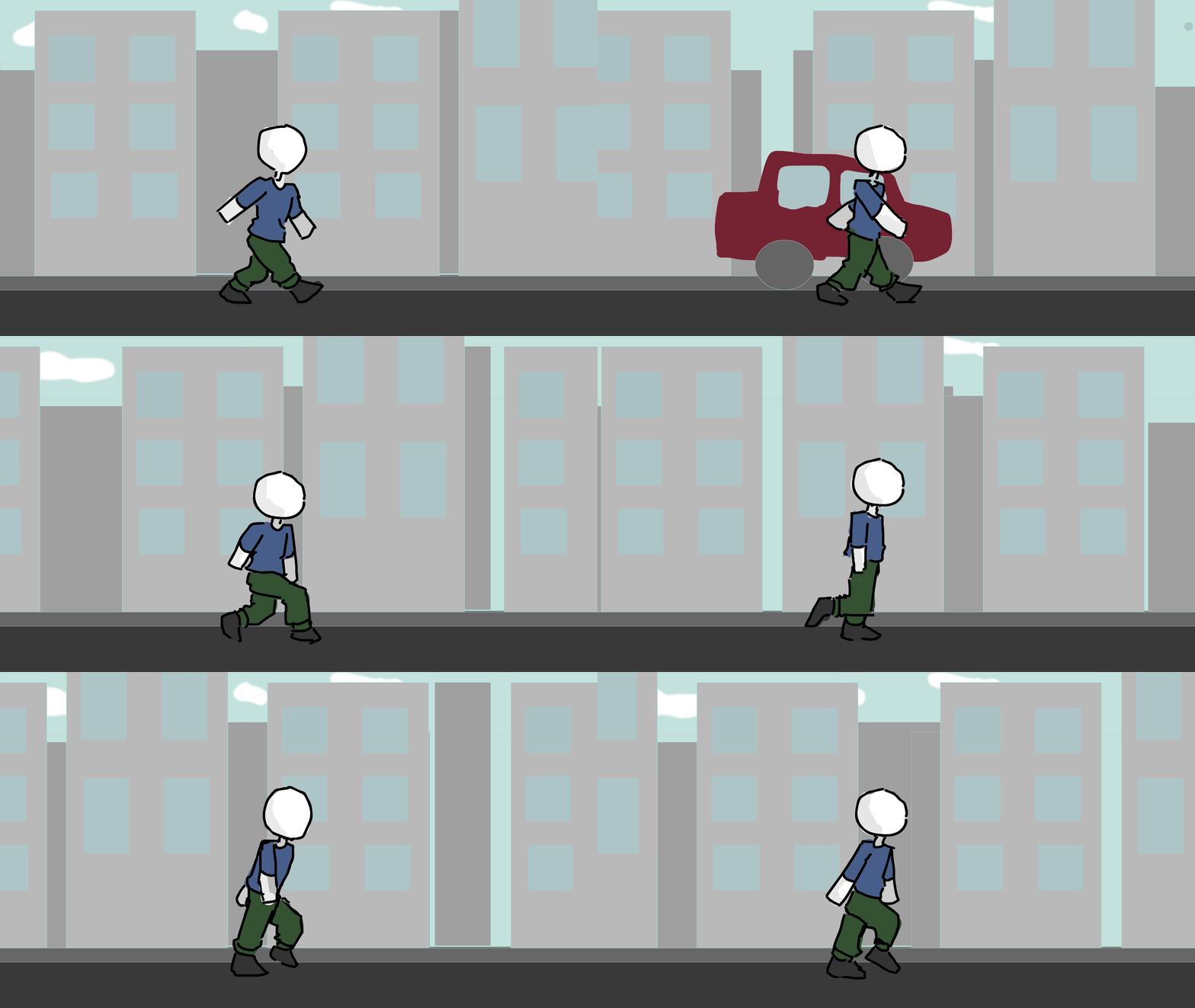
Exercise 6: Basic
Walk Cycle
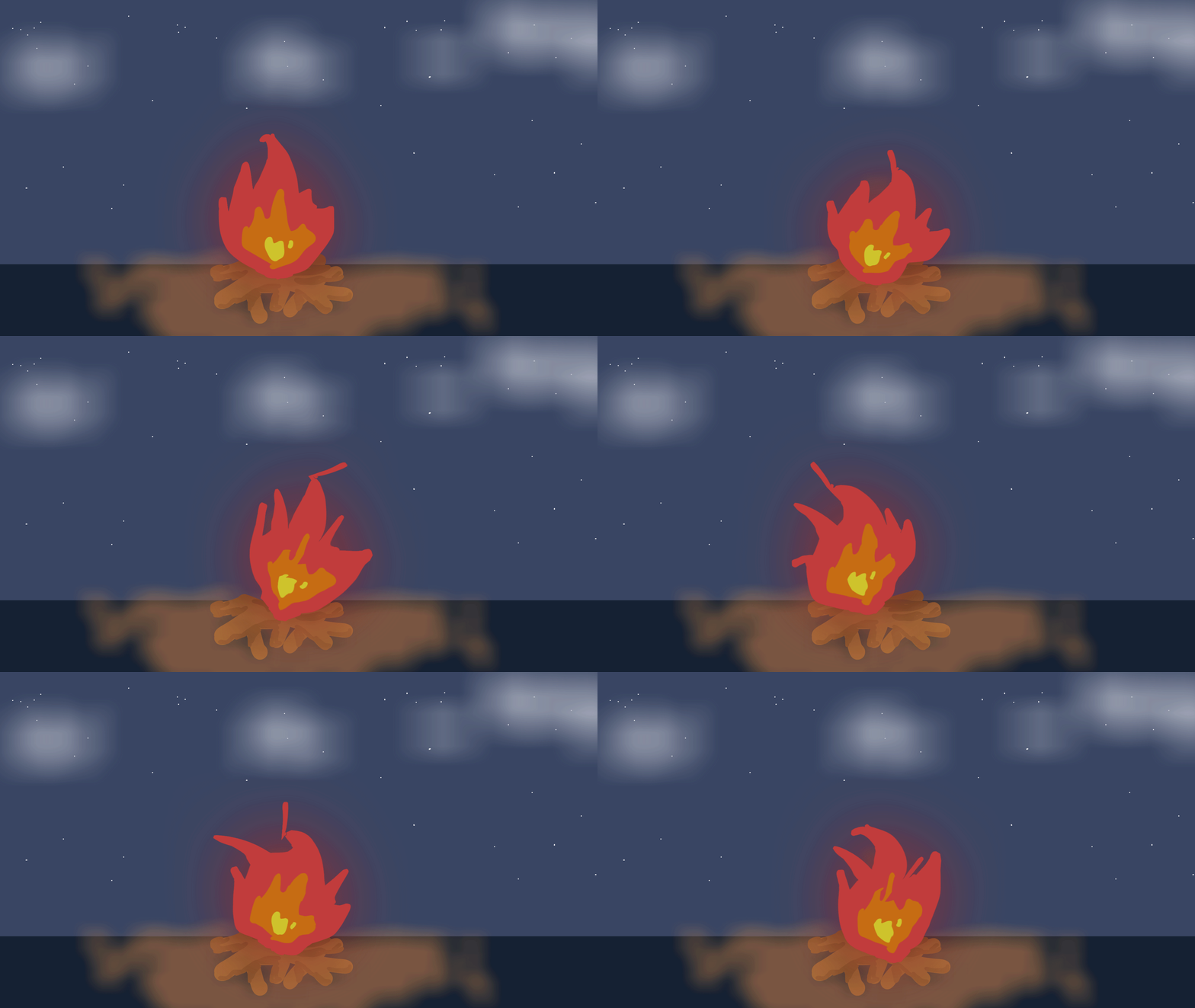
Exercise 7: Warping
campfire

Exercise 8: Asset Warping Bitmaps

Exercise 9 : Auto lip syncing
I think the mouth went weird because the music is loud and the vocal is not that loud.
Song - Anamanaguchi - Miku ft. Hatsune Miku
space for next exercise
bottom of page